Start with your folder
Open a local project and move through its real files and subfolders. Glade does not require a special project location.
 Glade
Download Glade
A file workspace for Mac
Write Markdown and code. Read PDFs and PowerPoint slides. Explore spreadsheets, images, audio and video—all from folders you choose.
For Mac · Apple Silicon and Intel
One folder. A view for each file.
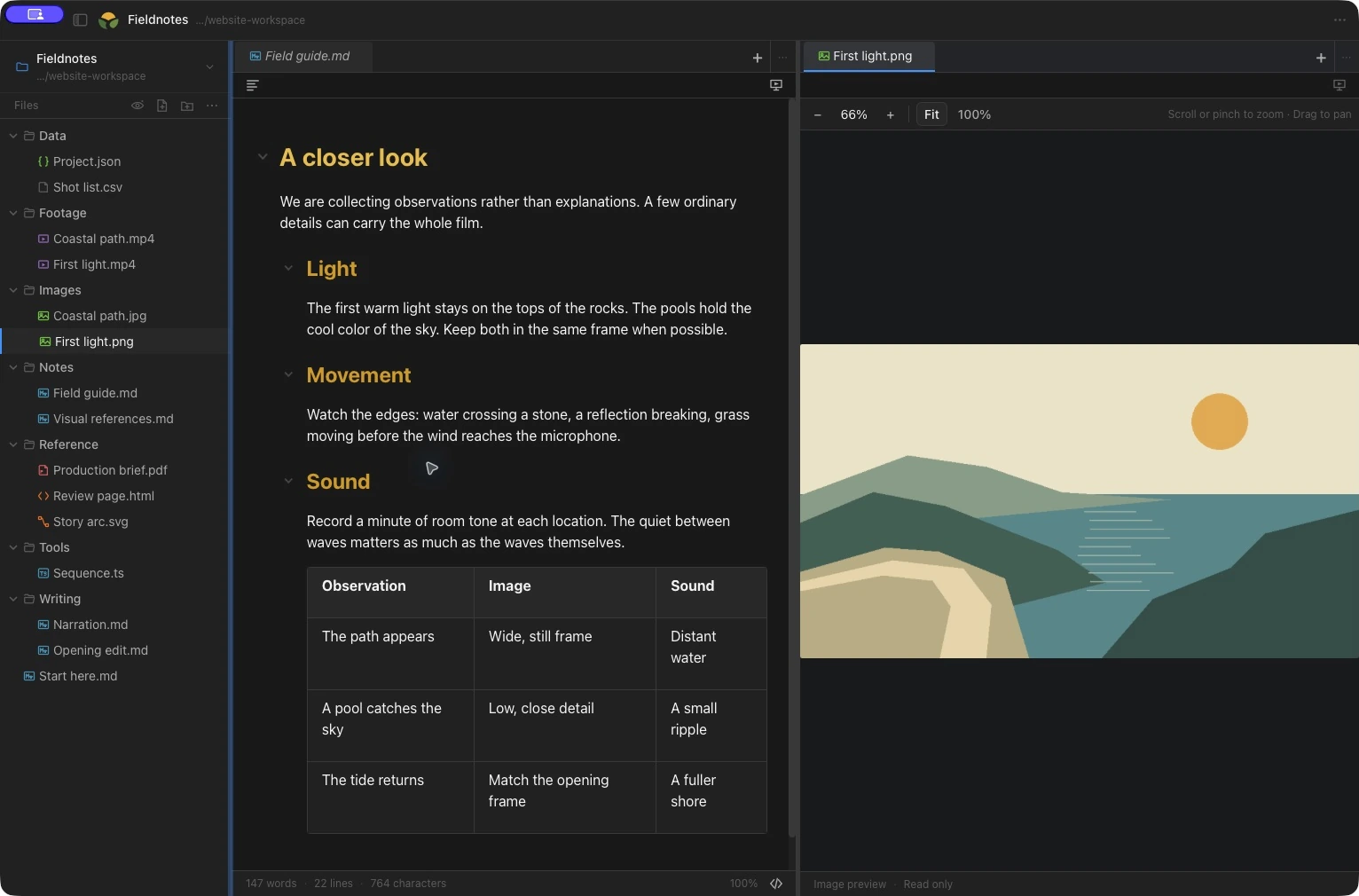
Write Markdown in a formatted view or its source, with headings, tables and an outline. Keep an image or another file in the next pane.
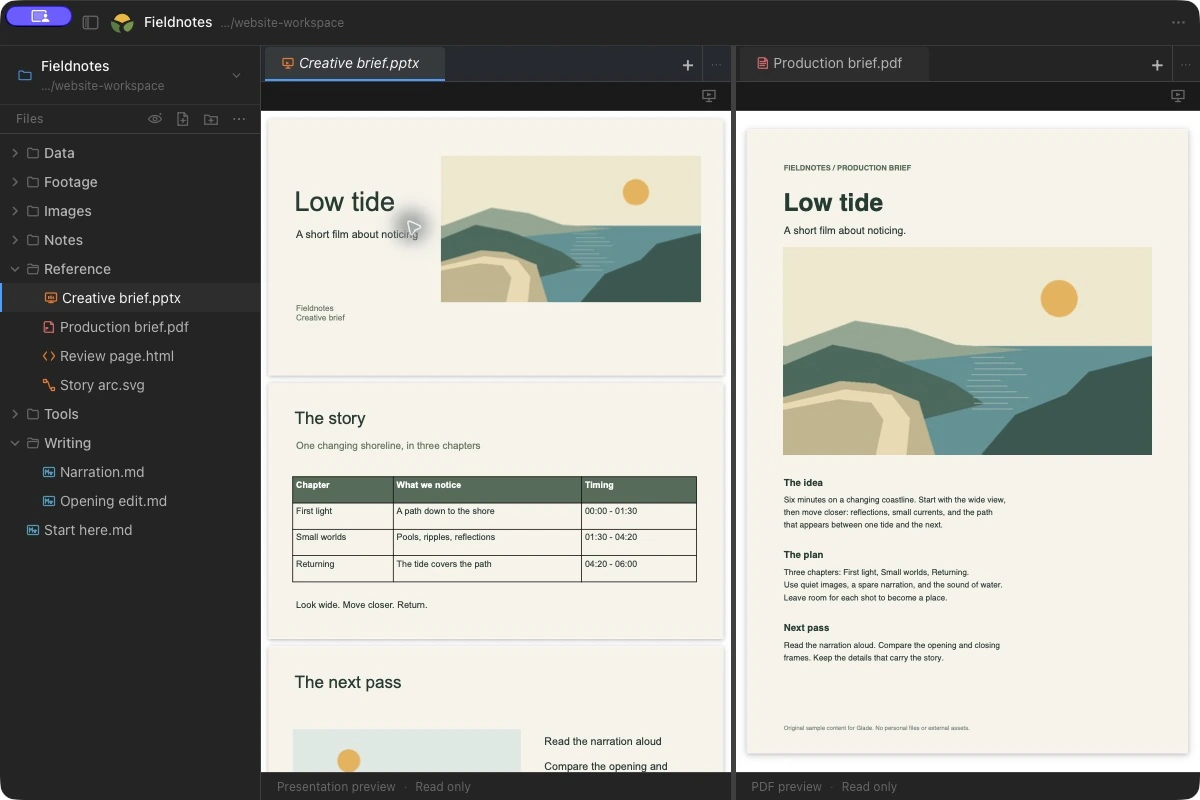
Read a PowerPoint deck beside its PDF reference. Preview PPTX slides, PDFs and DOCX documents in the same workspace.
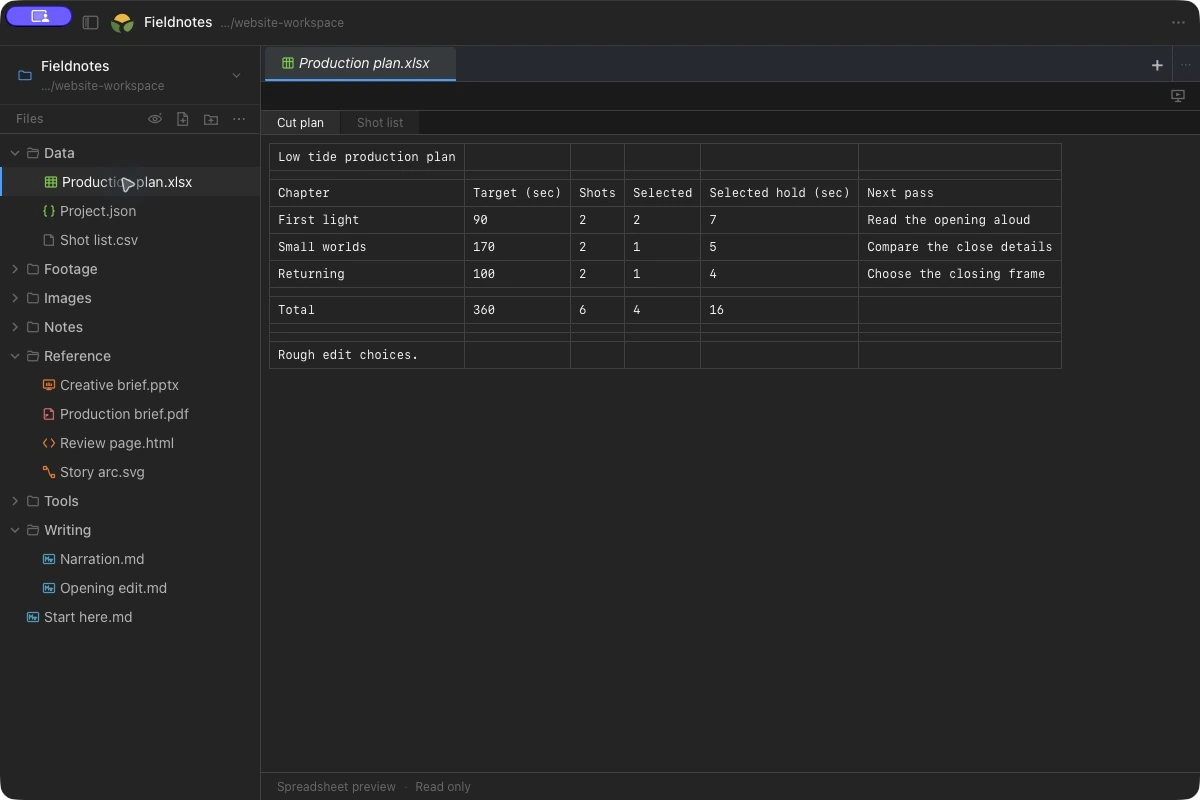
Read XLSX, XLS and CSV files. Switch worksheet tabs and review the values, with your notes or a reference in the next pane.
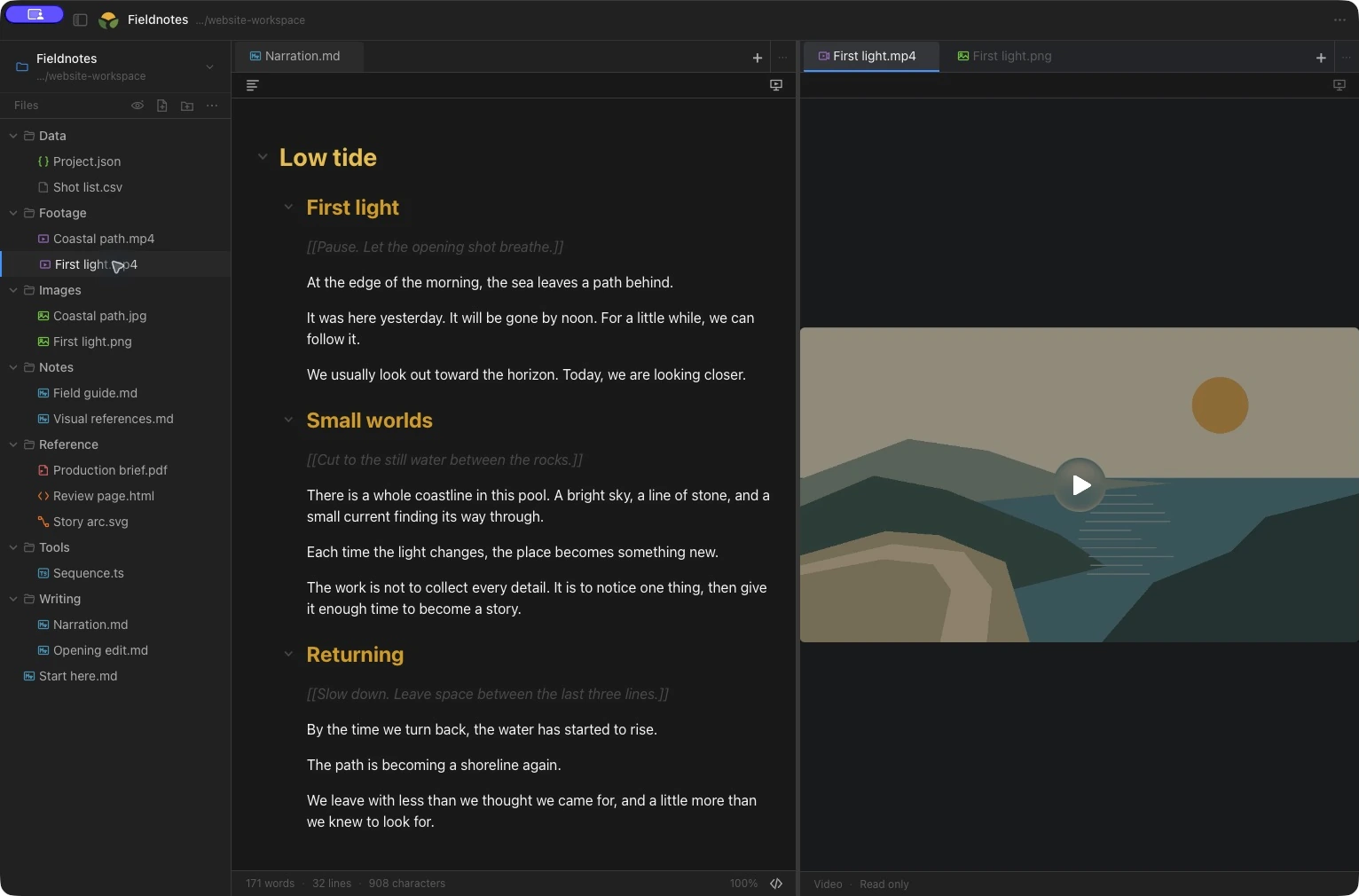
Play supported local audio and video with real playback controls. Keep the surrounding writing and references in view.
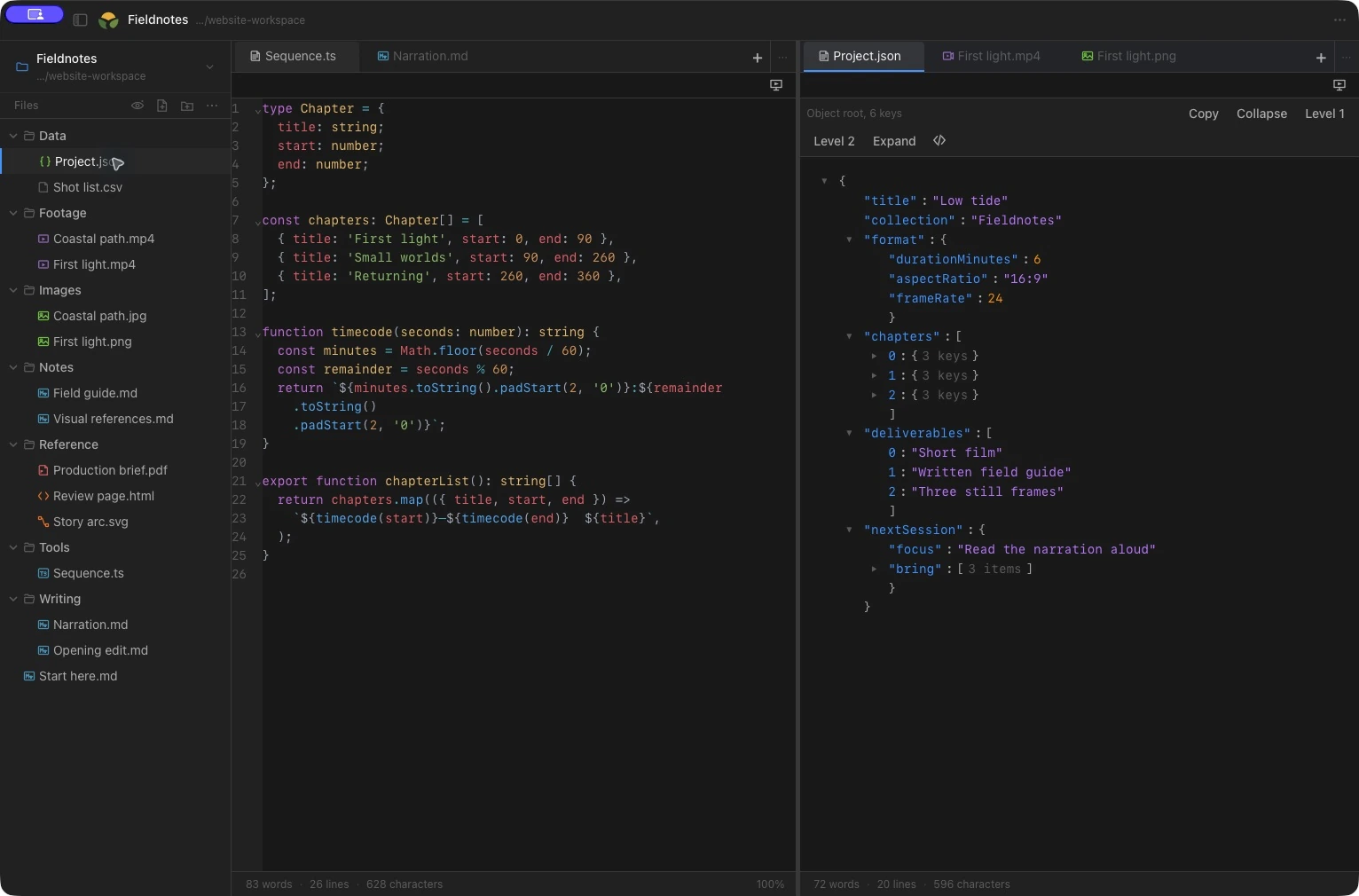
Edit source files with syntax coloring and line numbers. Explore JSON objects, or work directly with their source.
Keep the project together
Notes, source files, a reference image, a clip to review. Browse the folder you already use, then put the useful pieces next to each other.
Open a local project and move through its real files and subfolders. Glade does not require a special project location.
Use tabs to move between drafts and references. Split the workspace when you want to read or edit two files side by side.
Move a document into a separate Glade window when a second display or a different arrangement helps.
Write, read and explore
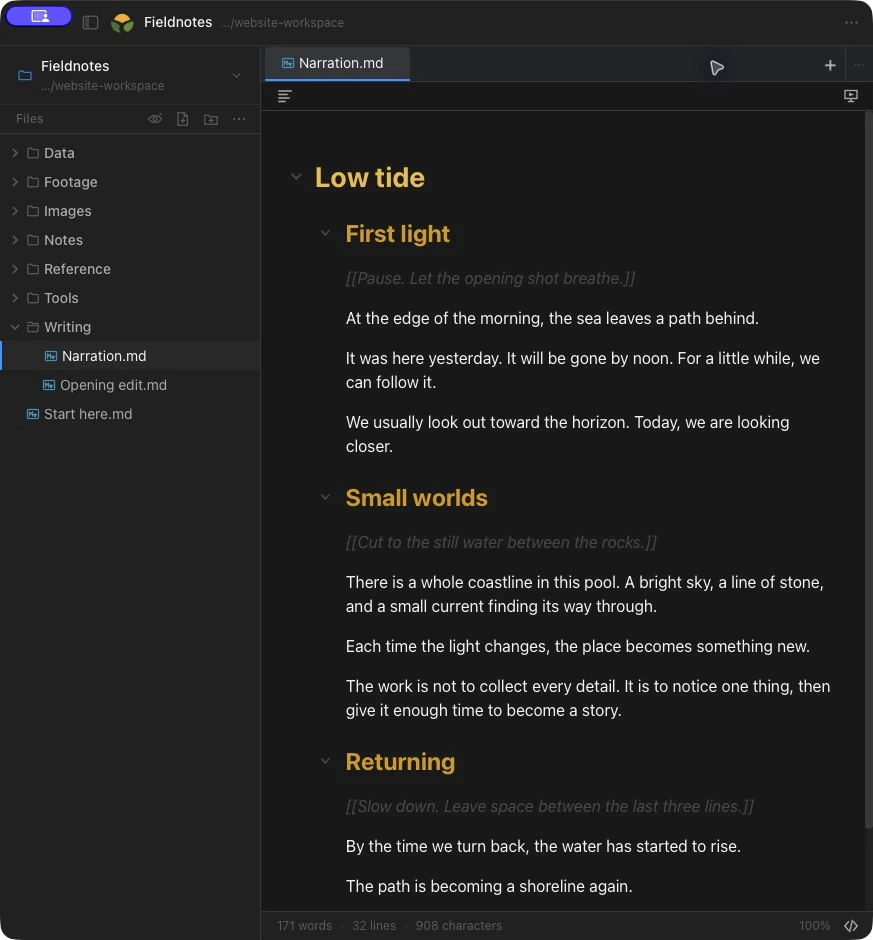
Write Markdown in a formatted view or switch to its source. Use headings, tables, tasks and links while keeping the document as a plain-text file.
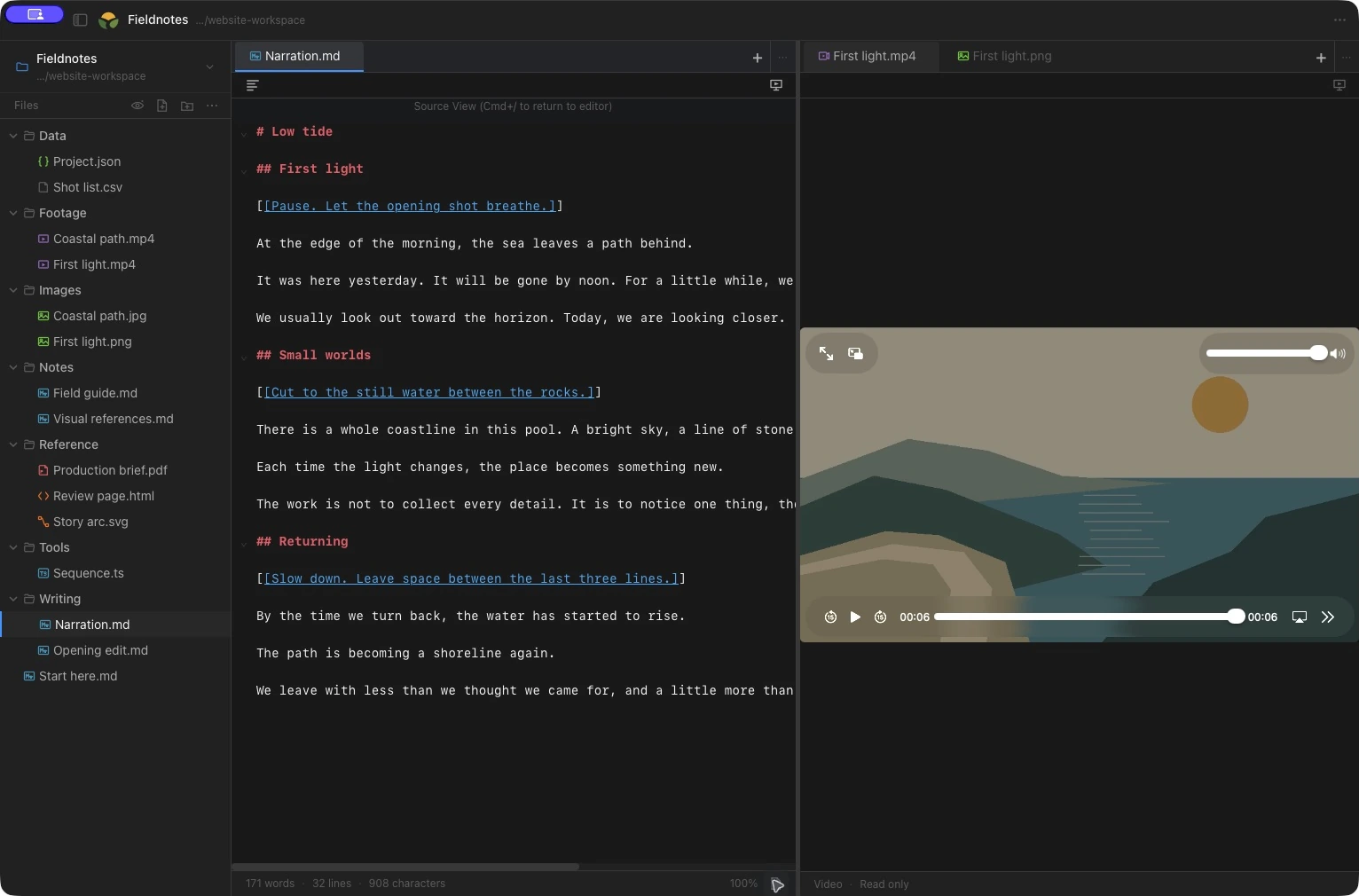
Open the material around your draft, with controls that suit each file.
Formatted editing and source, with an outline, tables and task lists.
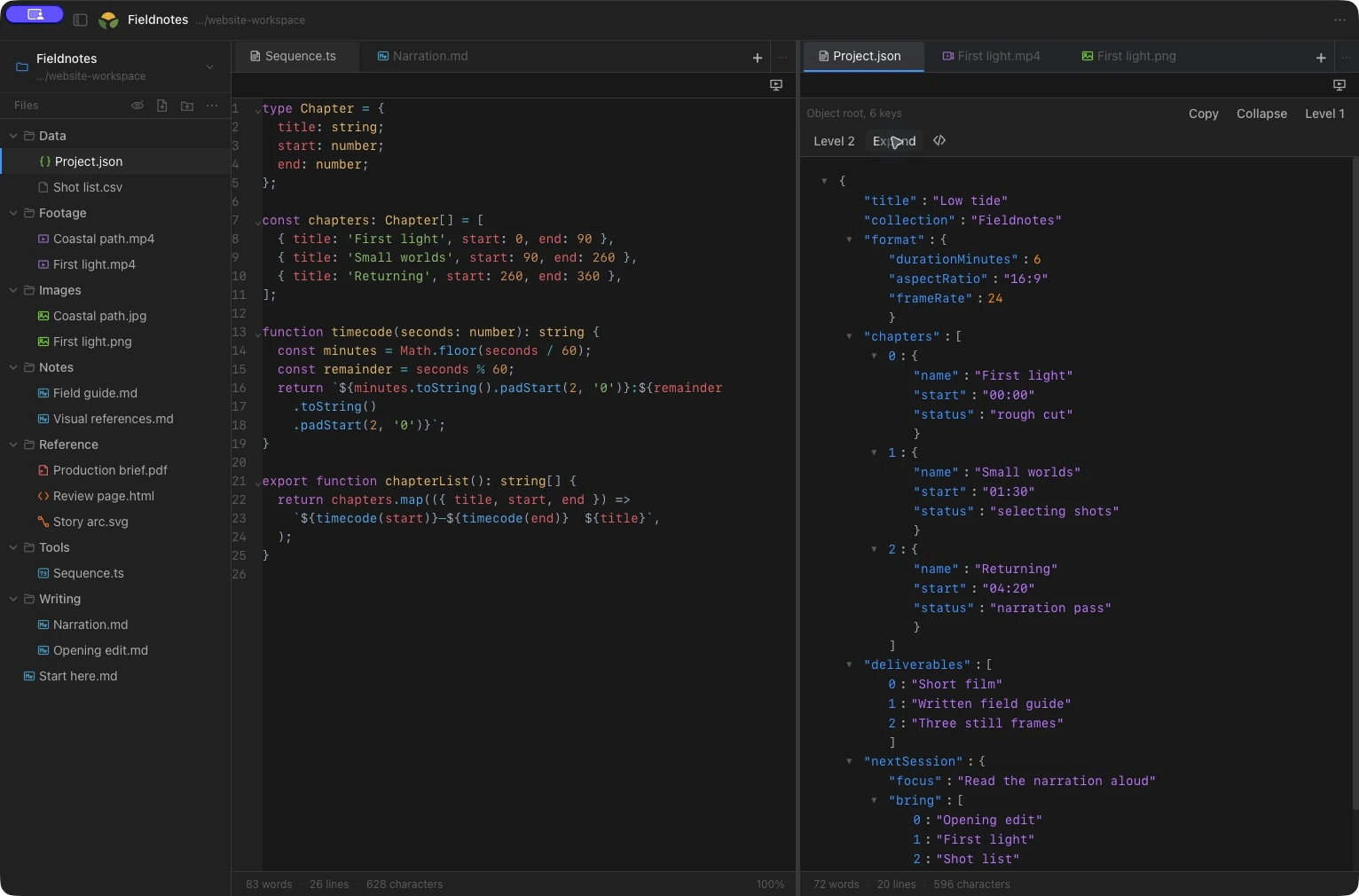
Source editing, syntax coloring and line numbers.
Explore a JSON tree or its source. View HTML and edit its source.
Fit an image, zoom into a detail and drag to pan.
View PDFs, DOCX, PPTX and supported spreadsheets for reference.
Play supported local clips and audio without leaving the project.
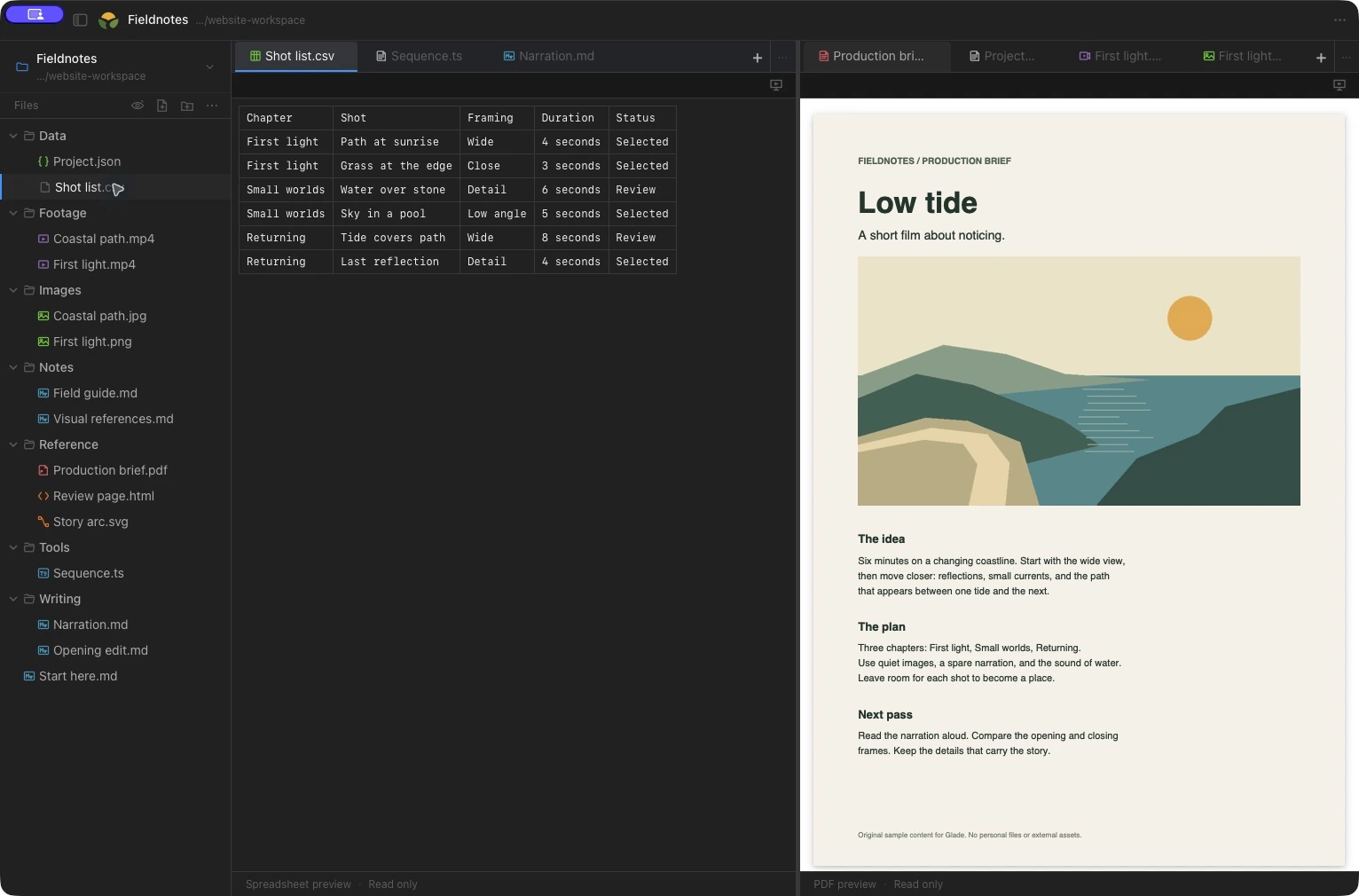
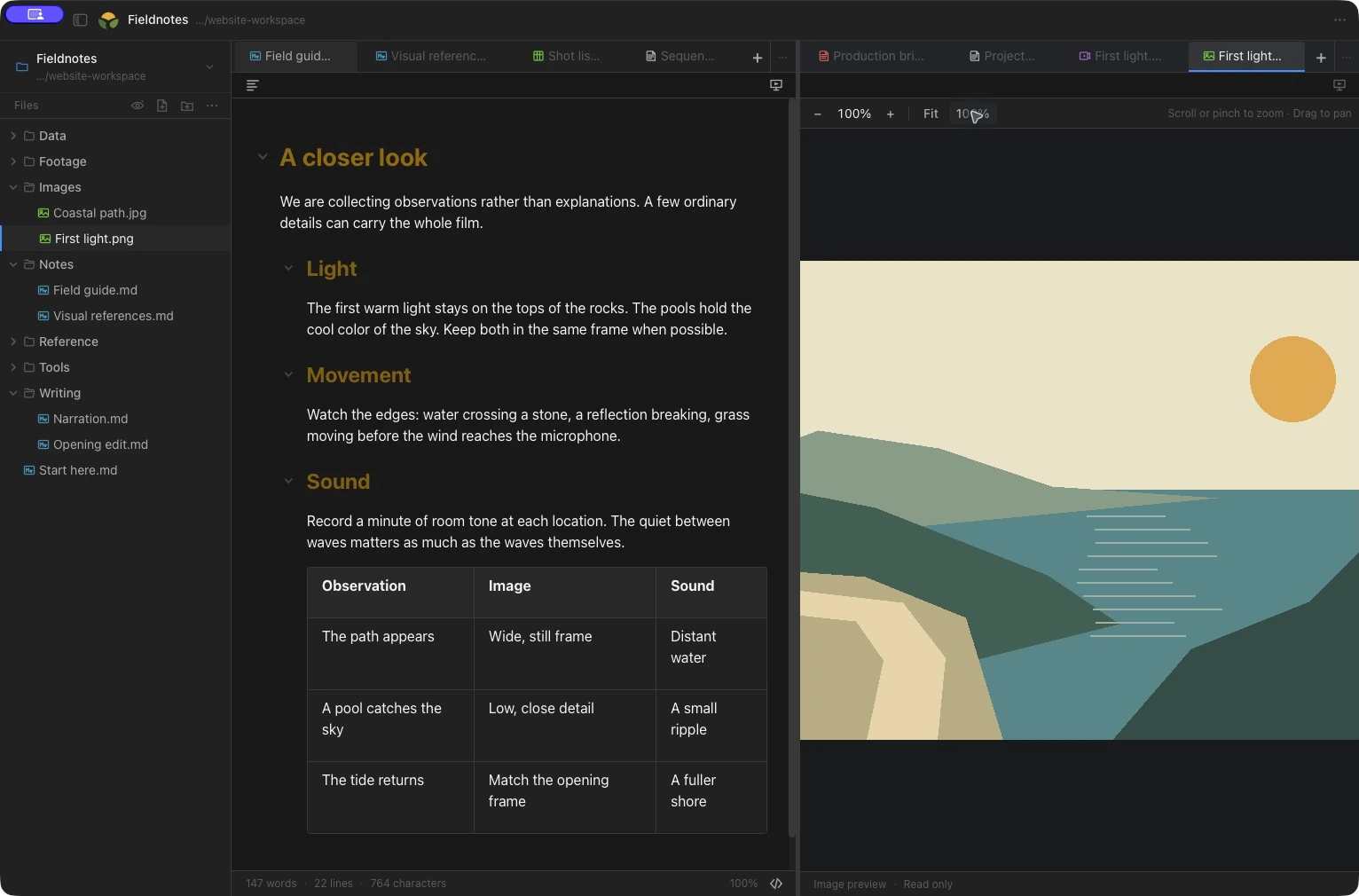
Viewing support depends on the file format. Office previews are for reading; legacy .doc and .ppt files use an open-in-another-app fallback.
Keep the references moving
Review a video or listen to audio in Glade. Keep the surrounding notes and files in the same workspace, with playback controls in the media view.
Make room for your preferences
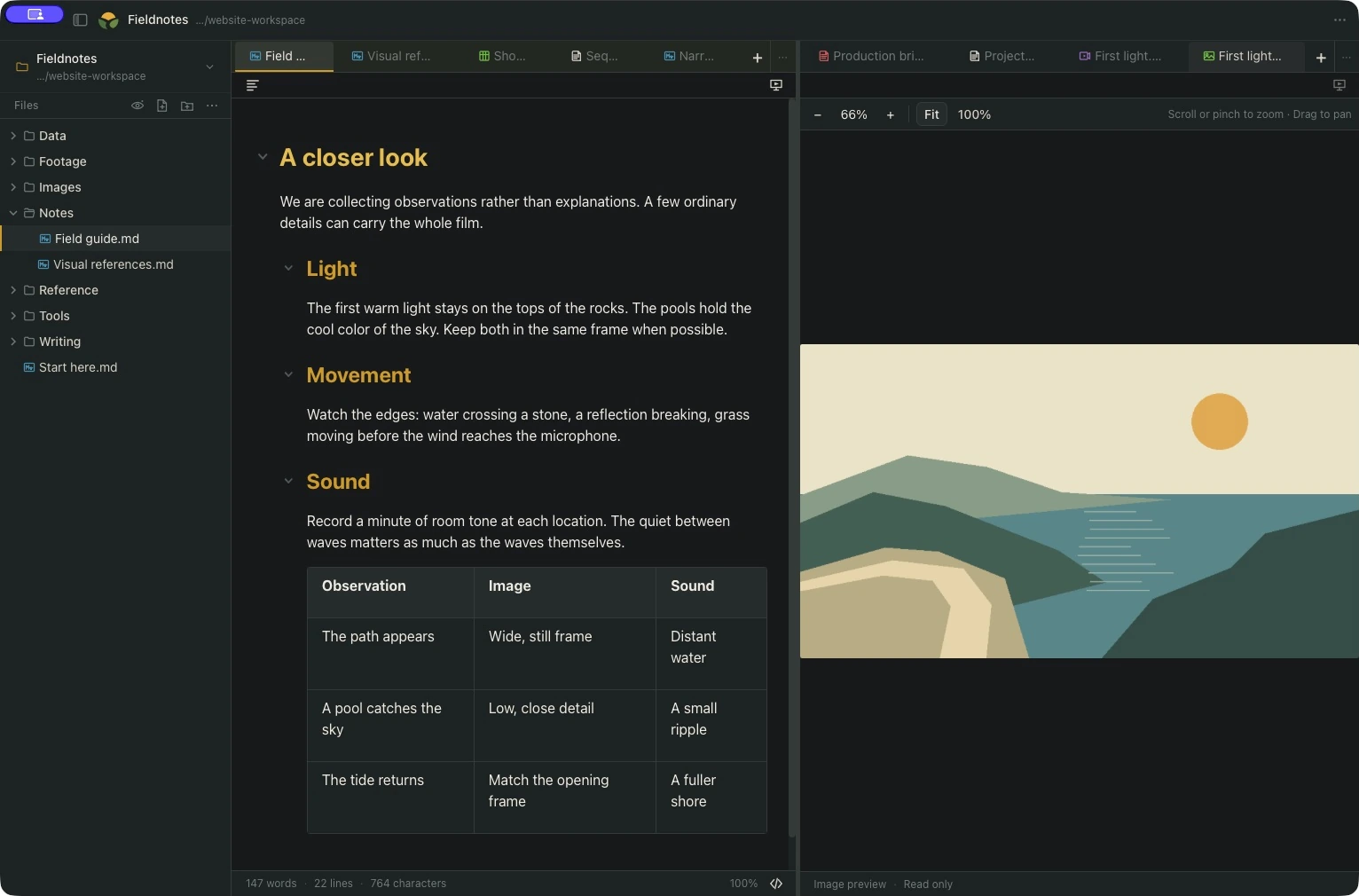
Start with a neutral System theme that follows your Mac. Choose a preset or make your own, then adjust fonts and spacing. The editor and presenter can share a theme or each use a different one.
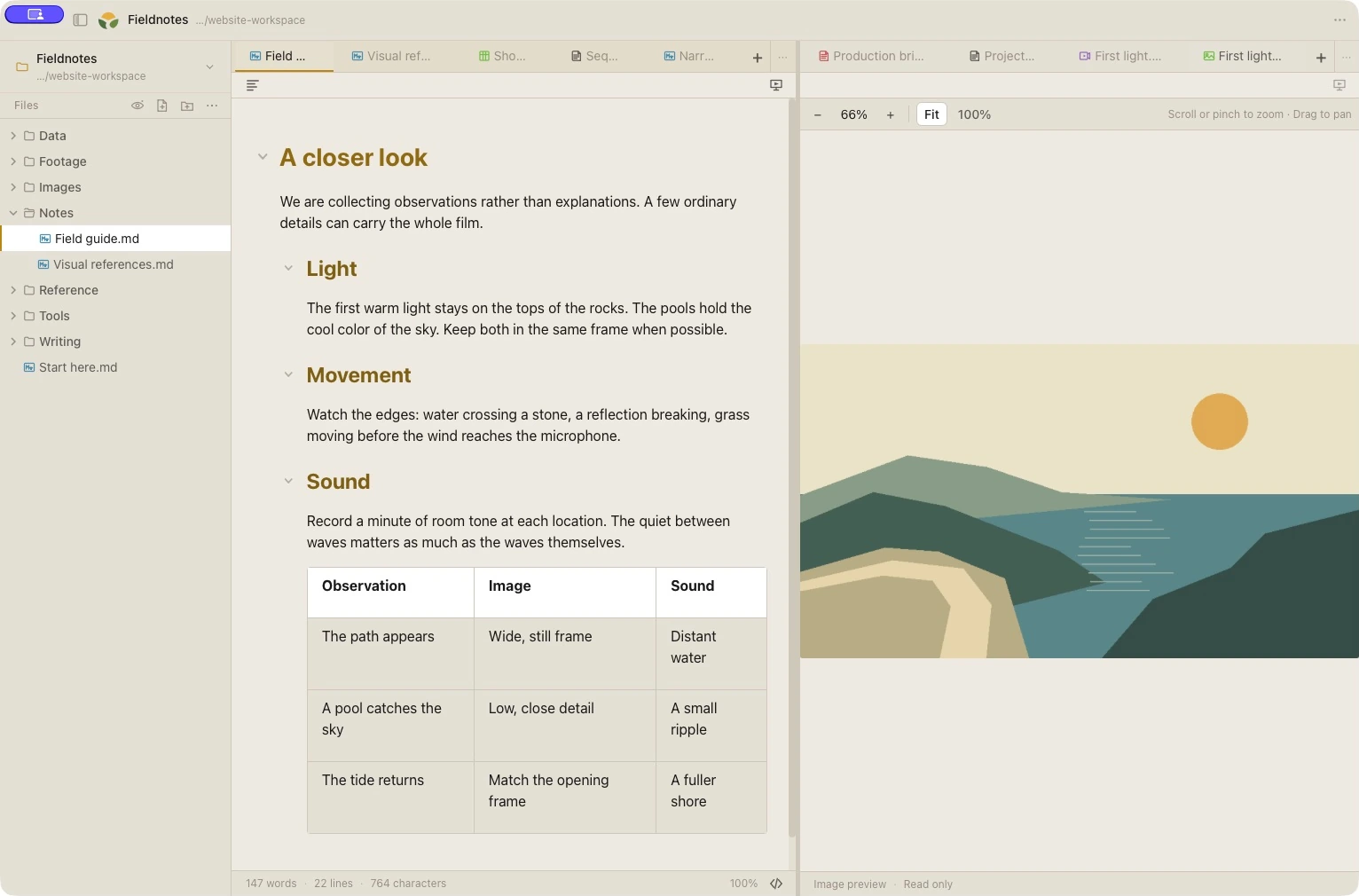
Familiar starting pointsSystem, Nord, Dracula, Solarized, Gruvbox and High Contrast, alongside Glade’s own presets.
Your own adjustmentsChange colors, fonts and spacing. Import or export a custom theme.
When the draft is ready to speak
Open a dedicated presentation window from a Markdown script. Set the words where you need them, then choose how to move through them.
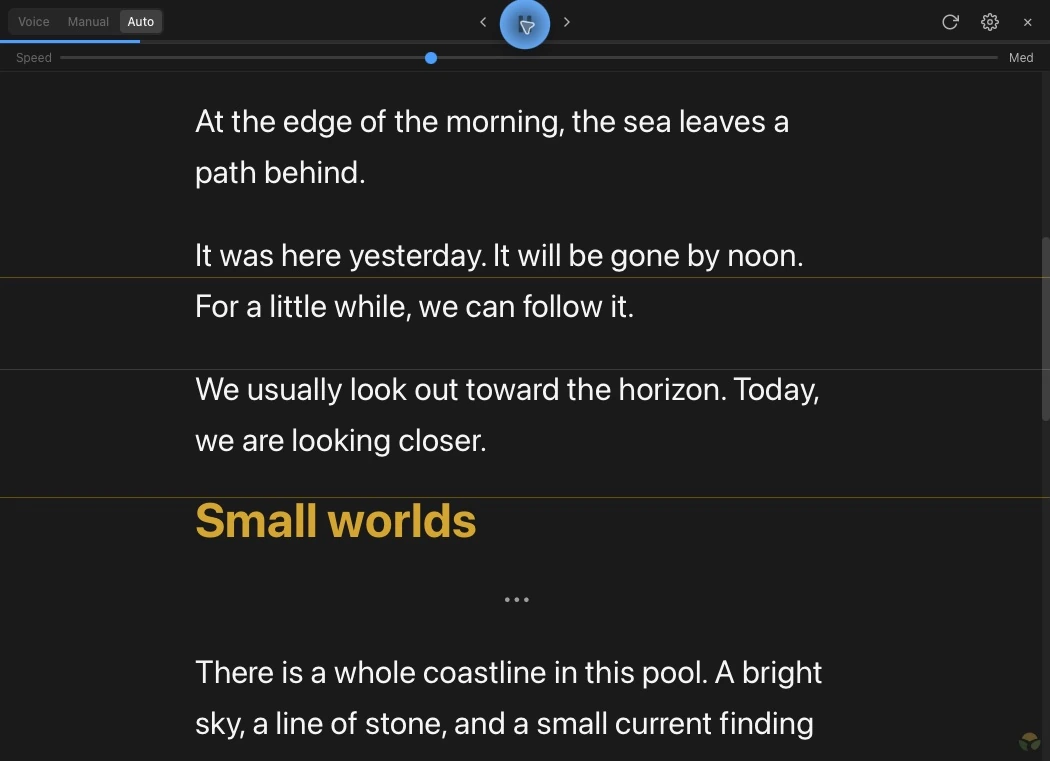
Navigate manually, use timed auto-scroll or follow your English speech with a local Whisper voice model.
Move and resize the window. Adjust text size, reading width, line spacing and window opacity for your display or teleprompter.
Word Follow dims confirmed spoken words in Voice mode and is on by default. Phrase highlighting starts at None; choose Highlighter, Background, Outline, Underline or Glow when you want it. Drag the reading line and zone boundaries to fit your view.
Click a passage to set your reading point. Earlier words dim; the selected passage and everything after it stay bright. Scroll to look around without moving that reading point.
Use Glade’s production directions in the editor while keeping them out of the presentation text.
English voice following runs on your Mac with Whisper. A model download and microphone permission are needed to get started. Speech recognition can lag or revise words; Word Follow confirms its progress before dimming. The recording above shows timed Auto mode.
One complete Glade
$6.99USD · once
Plus applicable tax. No subscription.
Available for MacThe full trial starts when you choose to begin. No account, card or automatic charge. Your workspace and presentation features are included together.
Glade for Mac
Download Glade 1.0.0 for Apple Silicon and Intel Macs. The universal app is signed and notarized.
New installations start in reader mode. Explicitly begin a 14-day full-feature trial to try every feature. No account, card or automatic charge. Buy a personal offline licence for $6.99 once, plus applicable tax.
Existing early installations keep full feature access, including future Glade versions. Contact Metal Sole for a complimentary, recoverable licence when moving to another Mac or reinstalling.
A few useful details
Open a local folder you choose. Glade works with the files and subfolders you keep there, without requiring a special project location.
Edit Markdown, code, plain text, JSON and HTML source. View images, PDFs, DOCX documents, PPTX slides and supported spreadsheets. Play supported audio and video files. Available controls and viewing support depend on the format; legacy .doc and .ppt files use an open-in-another-app fallback.
Move and resize the presentation window for your display arrangement, with adjustable text, reading width, position and opacity. Glade does not require a particular teleprompter. Hardware that needs mirrored text may require its own display mirroring support.
Speech recognition runs locally on your Mac with a supported Whisper model. Download a model and allow microphone access before using Voice mode.
Download the Mac app and explicitly start a 14-day full trial when you are ready. Buy Glade for $6.99 USD once, plus applicable tax, through the Metal Sole store. No subscription.
No. Glade is one complete app. The 14-day trial includes the workspace, file views and presentation features, with no account or card. It starts only when you explicitly choose to begin and never charges automatically.
Reader and recovery mode keeps your files openable and readable. Copy text, open files in another app, and save or export existing unsaved and recovered work. Sessions admitted before expiry can finish safely; new editing and presentation sessions need a licence.
A new Glade licence includes all 1.x updates. Future major upgrades are optional purchases; the version you bought remains usable. Your personal licence works offline on all your Macs.
Eligible earlier installations keep all features, including future Glade major versions. Contact Metal Sole for a complimentary, recoverable licence so that access can move with you when you reinstall or change Macs.
Yes. Glade purchases have the store’s 30-day refund policy. Contact Metal Sole support for help.